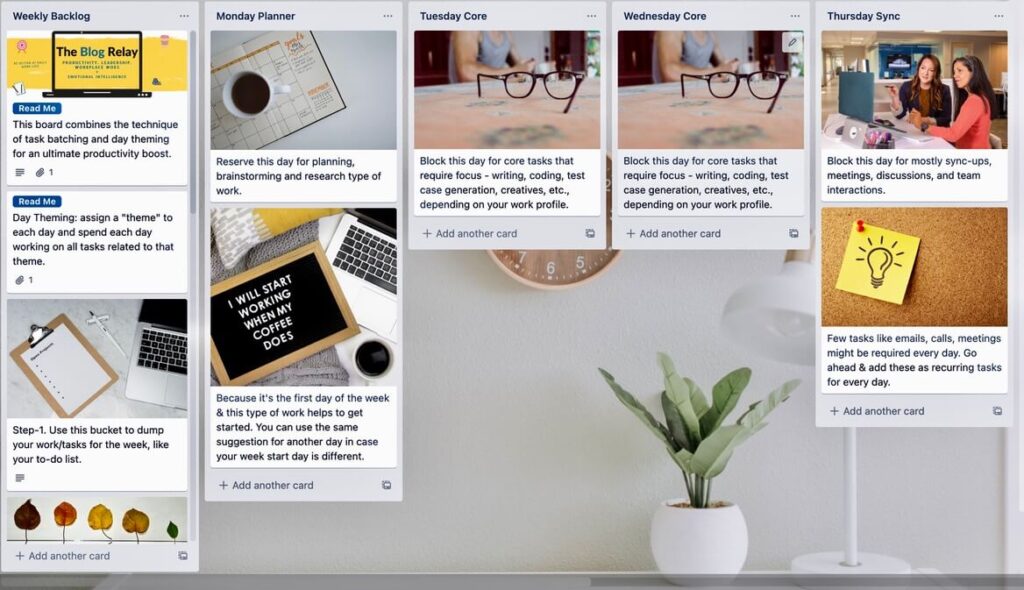
Day Theming is a powerful productivity technique, and this Trello template is what you need to get started. The idea is to theme your days, focusing on a single type of work
Elon Musk and Jack Dorsey practice this as their productivity hack! Here is what Jack Dorsey practices:
All my days are themed. Monday is management. At Square we have a directional meeting, at Twitter, we have our opcomm [operating committee] meeting. Tuesday is product, engineering, and design. Wednesday is marketing, growth, and communications. Thursday is partnership and developers. Friday is company and culture. It works in 24-hour blocks. On days beginning with T, I start at Twitter in the morning, then go to Square in the afternoon. Sundays are for strategy, and I do a lot of job interviews. Saturday is a day off.
Why Practice This Technique?
Sky-rocket your productivity
Less (or absolutely no) context switching, meaning more focused work
Get discipline in your work routine
Avoid multitasking, the deal-breaker of everyday work life
How to Create Your Board
This tool is published on Trello as a template:
It will require having a Trello account first. It’s free to sign up & one of the best visual collaboration tools.
If you wish to delete all cards of the template, uncheck “Keep cards” and “Keep Template cards” when you click on the “Create” button.
There are readme instructions on the board as to how to use it.
Template Details
Software: Trello
Version: v1.0
Language: English
Licensing: This template is meant for educational purposes only. DO NOT sell/modify/re-distribute for any commercial or other purposes. Trello template policies also apply. Read them here.
Additional Resources
Read this blog post to learn how to use the Day Theming template to boost productivity and understand this technique in detail.
"Simple, practical, and surprisingly insightful. I could immediately see my default conflict style and where I needed to adapt."
Alekha S
Professional
"Seeing my options side by side made the decision much less emotional and far more practical."
Jordan
HR Head
Questions
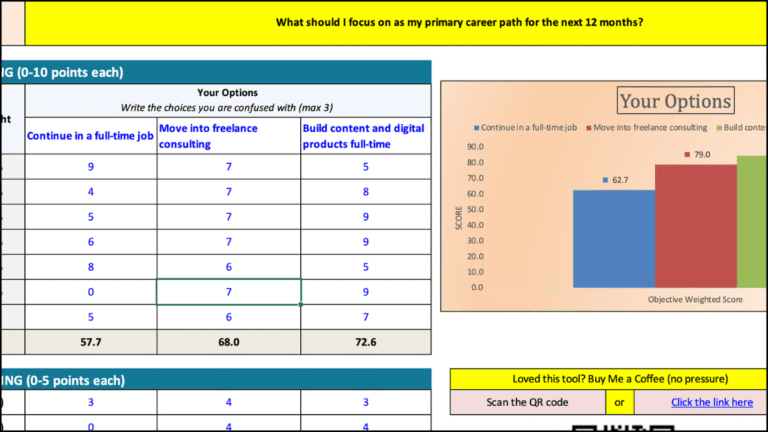
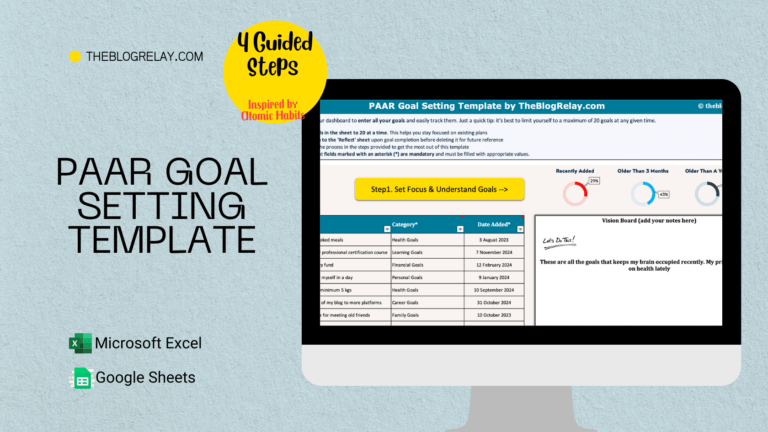
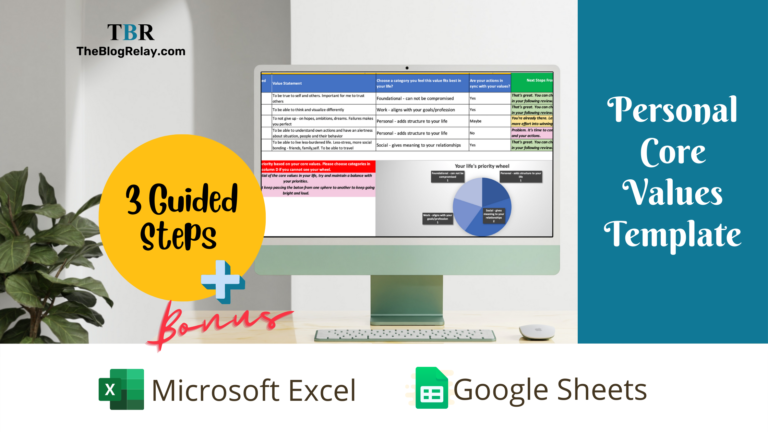
Make a copy (Google Sheets/Trello) or download the file (Excel), replace the sample content with your own, and start filling it in. No special setup is required.
Yes. You can change the text, categories, colors, and layout to fit your needs. Avoid editing formulas as they can break the entire flow.
Yes. Each template lists the software it's designed to work with.
No. The template doesn't collect, store, or share your data. Everything stays in your own files or workspace.
No. Personal use only unless otherwise stated. You may not share, redistribute, resell, or distribute modified versions without permission.
Surbhi Mahnot
Founder, TheBlogRelay
Surbhi Mahnot is a champion of personal growth and career success, helping individuals master soft skills like emotional intelligence, leadership, and productivity. As the creator of TheBlogRelay, she offers actionable insights and tools to empower readers to excel in their careers and lead fulfilling lives.